
Creating your first draft
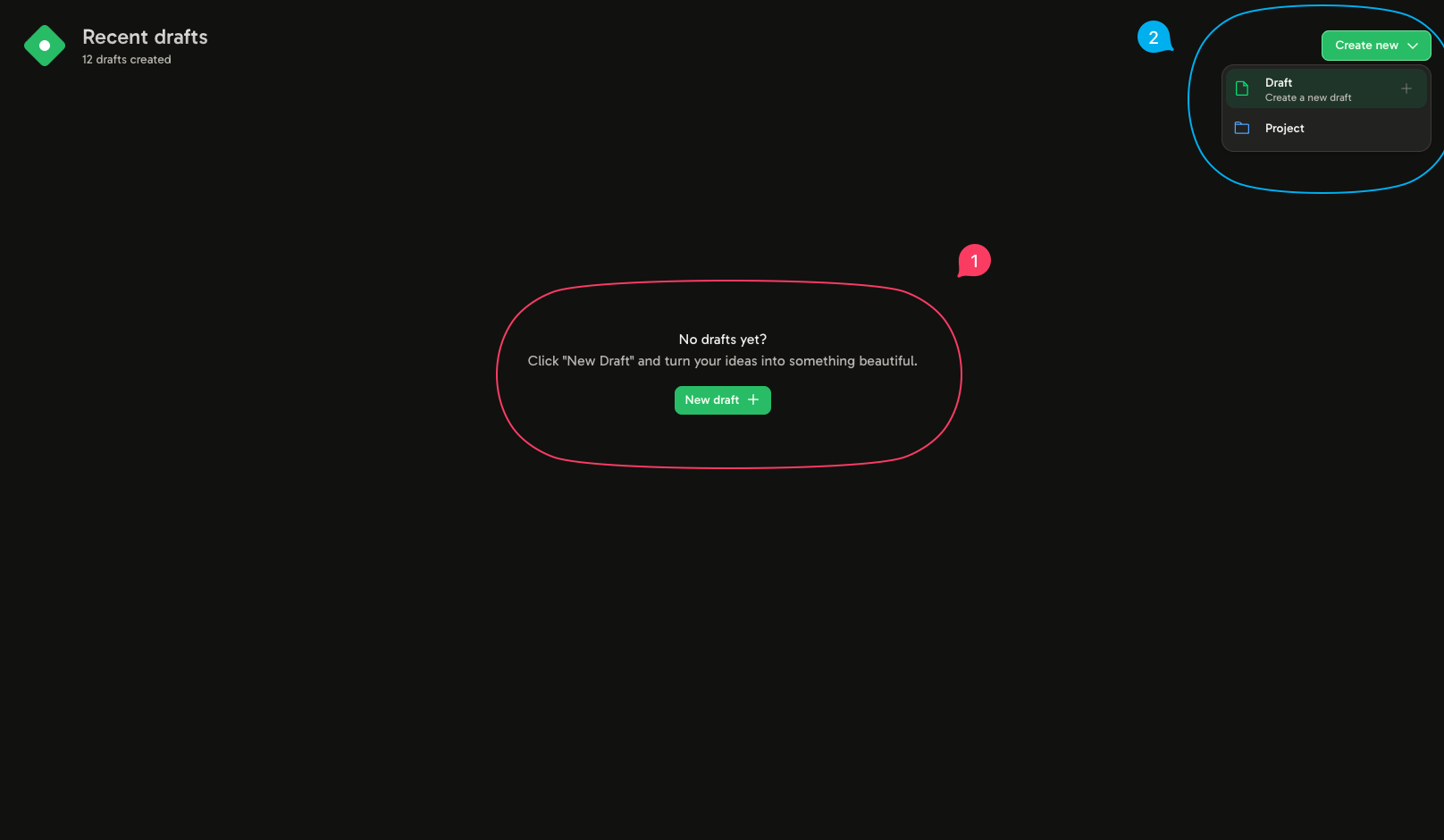
You can create your first draft in two ways:- By clicking on 1.
- By clicking the top-left corner, as shown in 2.
Navigating the canvas
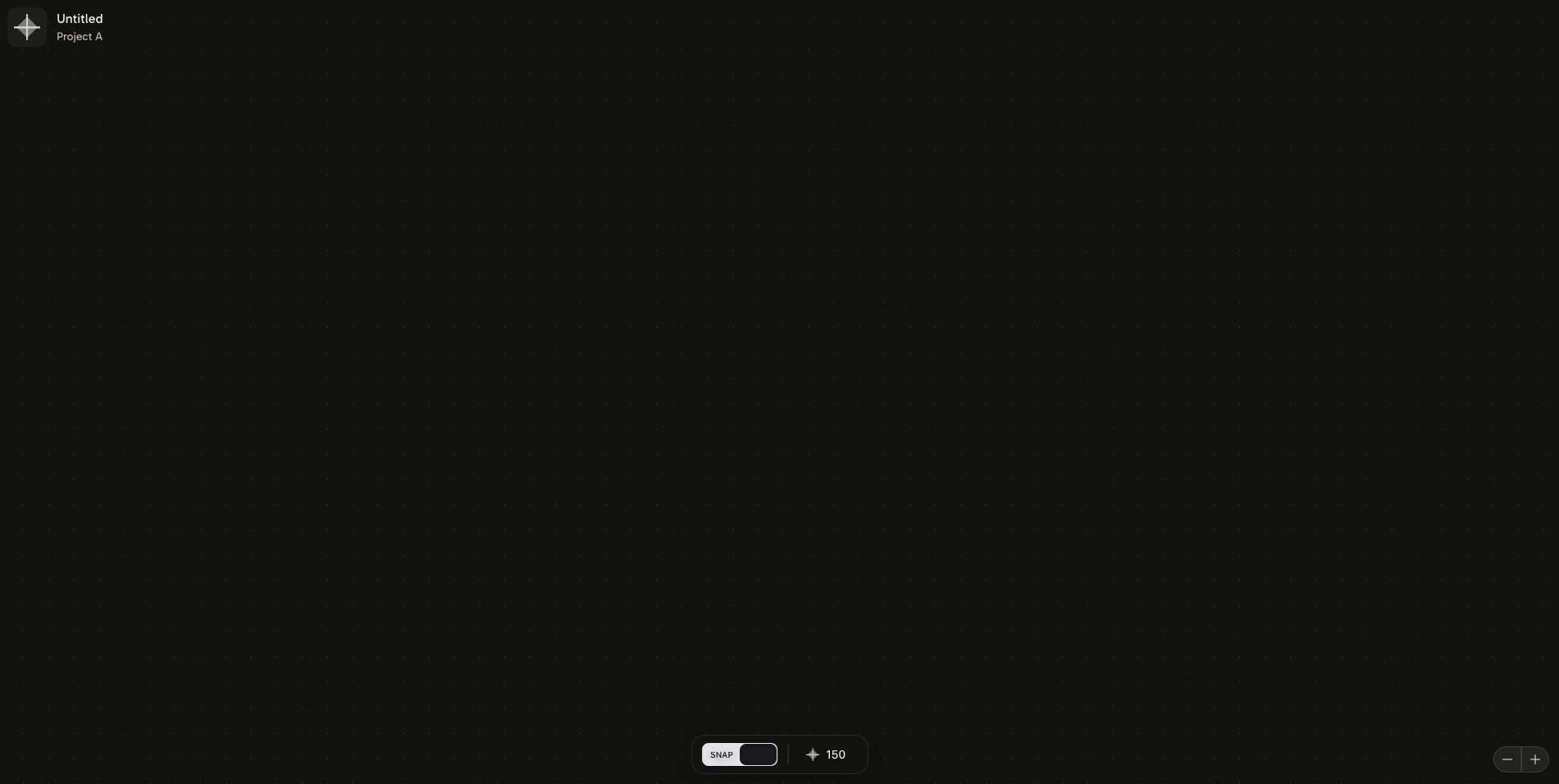
- Click and hold the middle mouse button to move the canvas horizontally and vertically.
- Scroll up or down to move the canvas horizontally.
- Hold Shift and scroll up or down to move the canvas vertically.
- Hold Ctrl and scroll up or down to zoom in or out.
Next, let’s learn how to create Blocks.