
What is a Text Block?
A Text Block allows you to generate or input plain text that can be used by other blocks in your draft.It is often the starting point for creating prompts, instructions, or any written content that will later connect to image or model blocks.
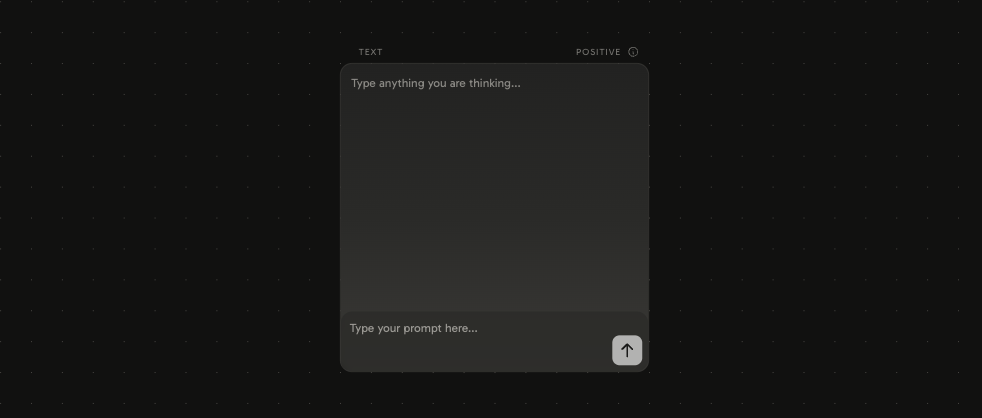
Creating a Text Block
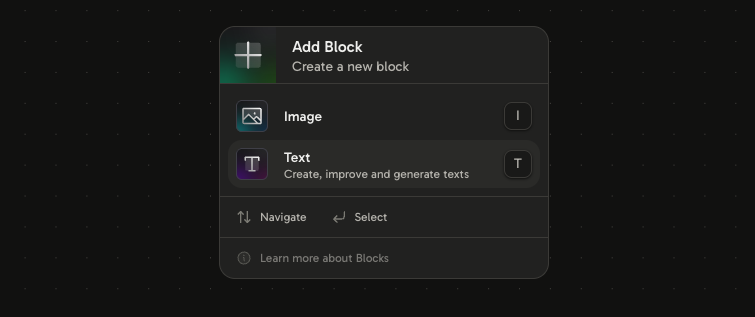
To create a new Text Block:- Right-click anywhere on the canvas.
- From the menu, select Text.
How it works
- You can type text manually inside the block.
- You can also connect it to other blocks.
- The output from the Text Block can be used as input for other blocks, such as Image Blocks.
Example use cases
- Writing a custom prompt for image generation.
- Providing structured text that will be transformed by another block.
- Creating reusable snippets of text to connect across your canvas.
Next, explore how to use the Image Block to transform text into creative images.