
What is a Reference Block?
A Reference Block lets you upload and use an image as a visual reference in your draft.This is especially useful for guiding AI image generation, providing style inspiration, or ensuring consistency across multiple outputs.
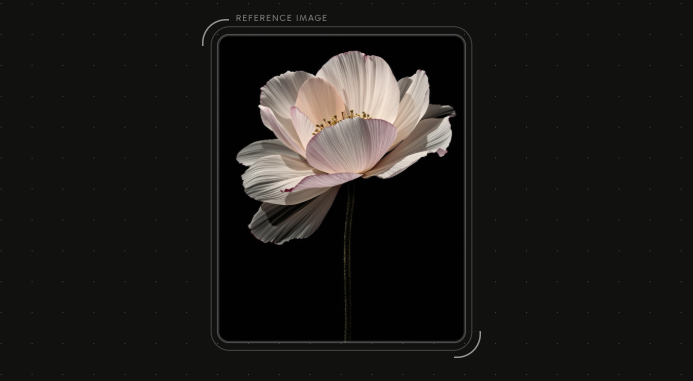
Creating a Reference Block
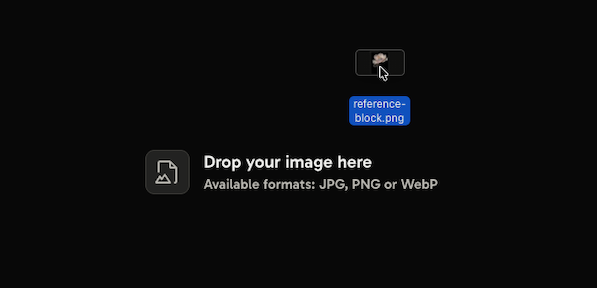
To create a new Reference Block:- Drag and drop an image file onto the canvas.
- The file will automatically be added as a Reference Block.
⚠️ Images must be under 5MB in size.
How it works
- Once added, the image is displayed directly in the block.
- You can connect the Reference Block to Image Blocks to guide the generation process.
- Multiple Reference Blocks can be used in the same draft to combine different styles or examples.
Example use cases
- Using a photo as a style or composition guide.
- Uploading brand assets (logos, icons, mockups) for consistency.
- Providing multiple references to influence an AI-generated image.
Next, explore the available Models to understand which one is best suited for your use case.