
What is an Image Block?
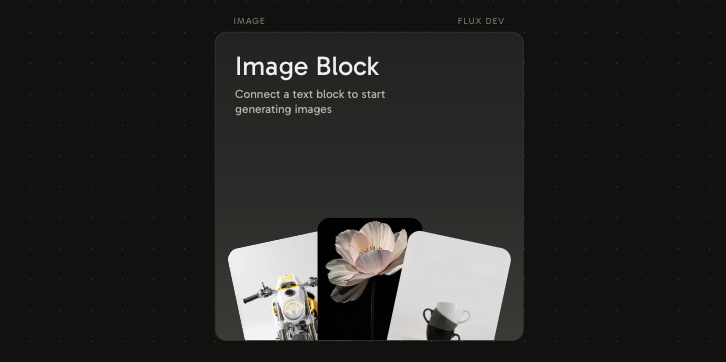
An Image Block is used to generate or display images in your canvas.It can receive inputs from other blocks (such as Text Blocks or Reference Blocks) and transform them into images powered by AI models.
Creating an Image Block
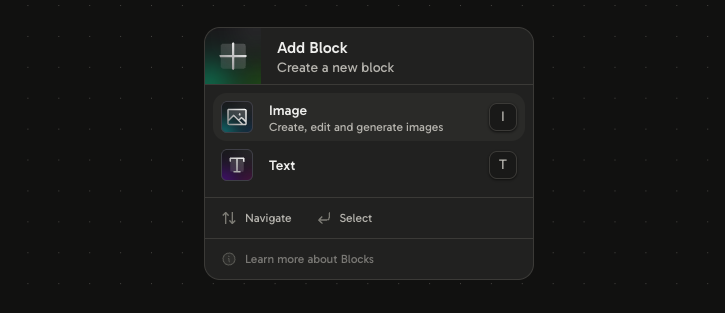
To create a new Image Block:- Right-click anywhere on the canvas.
- From the menu, select Image.
How it works
- Connect the Image Block to an another Image Block or Text Block to supply the image description.
- The AI model processes the input and generates an image.
- You can preview the generated result directly inside the block.
- Image outputs can be connected to other blocks for further editing or composition.
Example use cases
- Generating concept art from text prompts.
- Creating product mockups or visual drafts.
- Iterating on design ideas by connecting multiple Text or Prompt Blocks to the same Image Block.
Next, learn about Reference Block.